Choose translation software based on what you need from the book. For reading a whole book, an EPUB translator suits the job. EPUB is an ebook file format. A document translation engine, which translates text files, works for a short file you can edit. Professional translation software fits work led by an editor.
Your starting file matters more than finding one “best” tool. EPUB, PDF and Word files have different needs. Translating the words alone won’t keep a PDF’s page layout or make a book ready to publish. The English-to-Spanish EPUB example below follows one book from its original file to a translated copy. It includes checks for quality, cost and privacy, plus a review before publication.
Which kind of software fits your document?
The right software depends on your document and how you want to use the translation. To give you a usable copy, it must pull out the text and keep it in reading order.
| Tool category | Best fit | What to check |
|---|---|---|
| General translation engine or chatbot | A passage, a difficult sentence or a short document you can edit | Whether it returns a file or just text to copy, and whether you must give it background details again |
| Whole-book translator | Reading from one chapter to the next | Support for EPUB book files, consistent names and terms, and the original available side by side |
| Browser reading aid | Reading foreign-language text on a web page | Whether it only changes the page on screen or can save a usable translated copy |
| Desktop converter | Preparing a file before translation | Reading order, chapter breaks and formatting after changing the file type |
| Professional translation software | Translators and editors working with the same agreed terms | Support for a glossary (a list of agreed terms), reuse of approved translations and tools for reviewing work |
Free tools can suit passage checks or file preparation. Paid options may suit longer files or review work shared by several people. Before paying, compare their file limits and the types of files you can save. A full translation management system handles files, teams and quality checks. This is useful when several people handle the book.
EPUB and PDF need different handling. An EPUB holds text arranged into sections that can adjust to fit the screen. A PDF keeps content in fixed places on pages. Pulling out its text can mix page headers, columns and the main text.
Before converting a PDF, try selecting a sentence. If the pages are images, use optical character recognition (OCR) to extract the text. Check the extracted text for recognition errors and correct reading order before converting to EPUB. For example, converting novel.pdf to novel.epub prepares the file for translation. The text is still in its original language. Check the converted chapter before submitting it: no format guarantees that the layout will stay intact. A Word file may be easier to edit afterward. Its headings, tables and footnotes still need checking.
Take one book from its source file to a translated copy
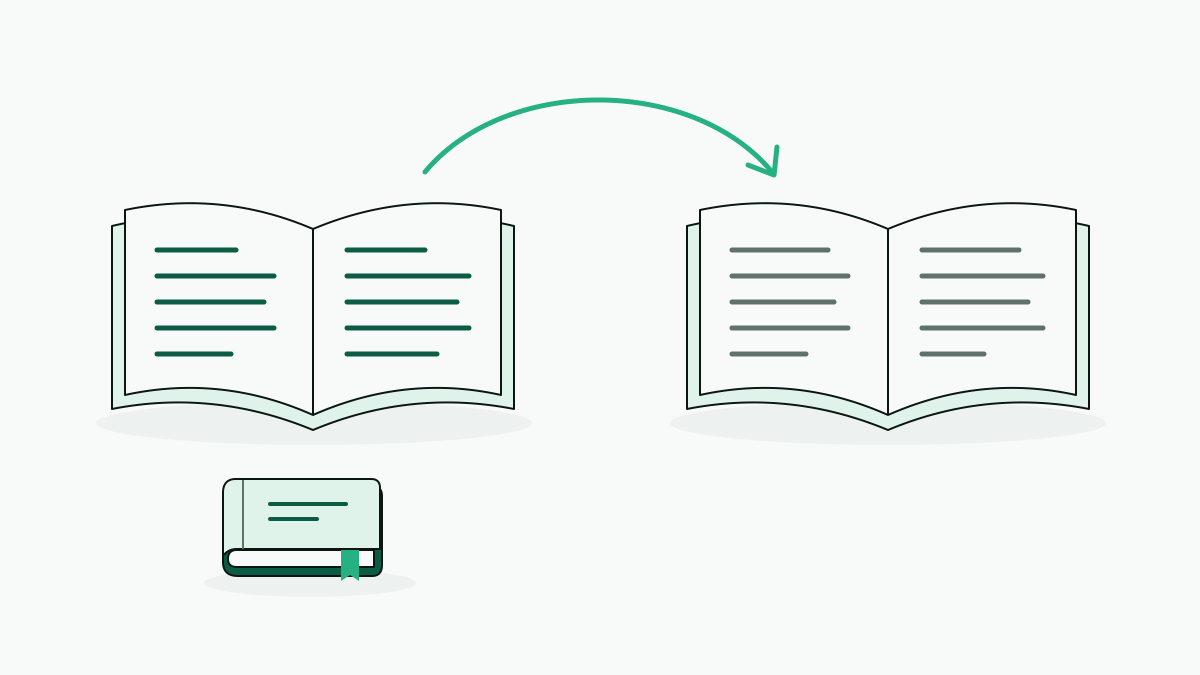
To get a translated copy, start with an EPUB. Choose the language you want, translate the file, then open the result to review it. Keep your source file separate so you can compare the two.
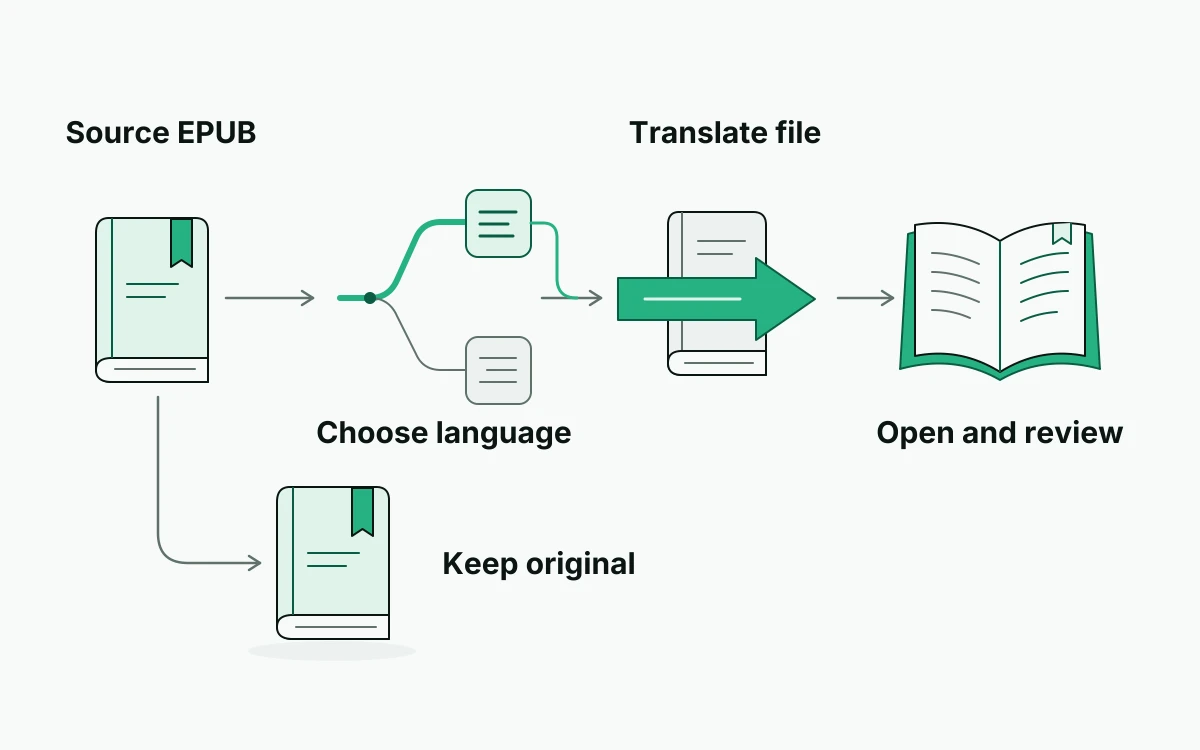
- If your book is already an EPUB, you can skip changing its format. DualBook works on EPUB files and offers free converters to turn a PDF, MOBI or Word file into an EPUB.
- Select the language you want in your chosen translator. For the English-to-Spanish book used here, that language is Spanish. If the tool offers Spanish from different regions, choose the variety your intended readers use.
- Before translating the whole book, test a chapter that represents your own material, including dialogue or specialist terms where relevant. For personal reading, judge how comfortably you can follow the translation. You should be able to clear up doubts by checking the original. For publication, a qualified reviewer who knows both languages needs to check meaning and voice. They also need to assess how much editing it needs. Claimed scores and third-party reviews can help you narrow down the tools. Your chapter is the more useful test of whether a tool meets your needs.
- Submit
novel.epubto your chosen whole-book translator. If you have a glossary, keep it handy. Some tools accept one. - Open the translated EPUB and read the opening chapter with the original side by side. A draft can read well and still get the meaning or tone wrong. This first read starts the review you need before publication.
An English-to-Spanish EPUB example
The starting file is garden-story.epub, a book you wrote in English and saved as an EPUB. Spanish is selected as the language to translate into. The goal is a translated chapter you can compare with the original, paragraph by paragraph.
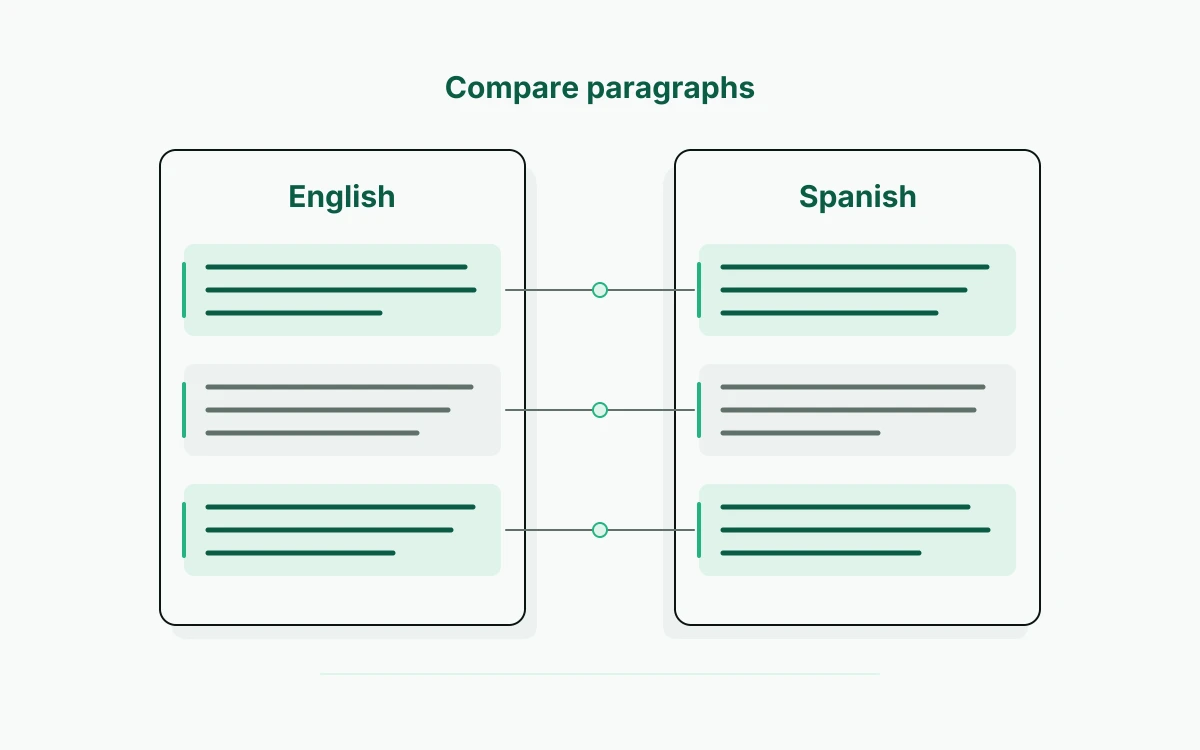
DualBook translates an EPUB chapter by chapter, keeps names and terms consistent in later chapters, and shows both languages with matching paragraphs side by side.
This sample shows a paragraph in both languages. It is an example translation, not recorded software output.
| English original | Spanish translation |
|---|---|
| Mara opened the garden gate. | Mara abrió la verja del jardín. |
The Spanish keeps Mara’s name, the action and the garden setting. As you read on, check the wording when the same gate appears again. It should still fit the scene.
Machine translation can struggle with words whose meaning depends on the surrounding text. For example, “gate” could mean a garden barrier or an airport boarding gate. Here, verja del jardín fits the garden scene. A sentence using an airport term would still be wrong, even if it reads well. Reading the paragraphs side by side helps you catch that mistake before accepting the draft.
Catch these problems before trusting the translation
Compare the translated book with the source to find missing content, inconsistent terms and changed meanings. Smooth writing can hide all three.
- Compare the converted EPUB’s contents and chapter openings with the original PDF or Word file. Headings, paragraphs and chapter endings should still be in the right order.
- Each table entry should stay under its heading. Follow footnote markers to their notes. This helps you spot notes that were accidentally placed in the main text.
- Keep a glossary. Use it to review later chapters for changed spellings, renamed places or terms translated differently.
- Flag idioms: phrases whose meaning differs from what their words say on their own. Machine translation can struggle with these. In the English example “He kicked the bucket,” the intended Spanish meaning is “Murió,” not an action involving a bucket.
- Read doubtful passages side by side. Pay close attention to who does what, words that deny something and missing sentences. Losing “not” can reverse a claim even when the grammar still looks right.
Check cost, privacy and readiness before committing
Pay only if the plan covers the work your book needs. Upload only if the rules for handling your data suit your material. Even a readable draft needs review by someone qualified and permission checks before publication.
- Compare the free allowance with how the paid plan charges you. Check limits on file size, how much text you can translate, and exports (files you can download). Per-word billing charges by text length. Per-token billing counts pieces of text, called tokens. It may count both the text you submit and the translation you receive. Per-seat billing charges for each user’s access. The total also depends on whether retries and revisions use up your allowance.
- Before uploading an unpublished manuscript, read the rules for storing and deleting files. Find out how long files stay stored and who can access them. You also need to know what control you have over using your text to train AI models. For relevant ISO security certifications, check which services the certification covers. The badge alone does not give you that answer.
Before sharing or selling the translation, confirm permission to translate and publish with the rights holders. Paying for software does not give you those rights.