Upload
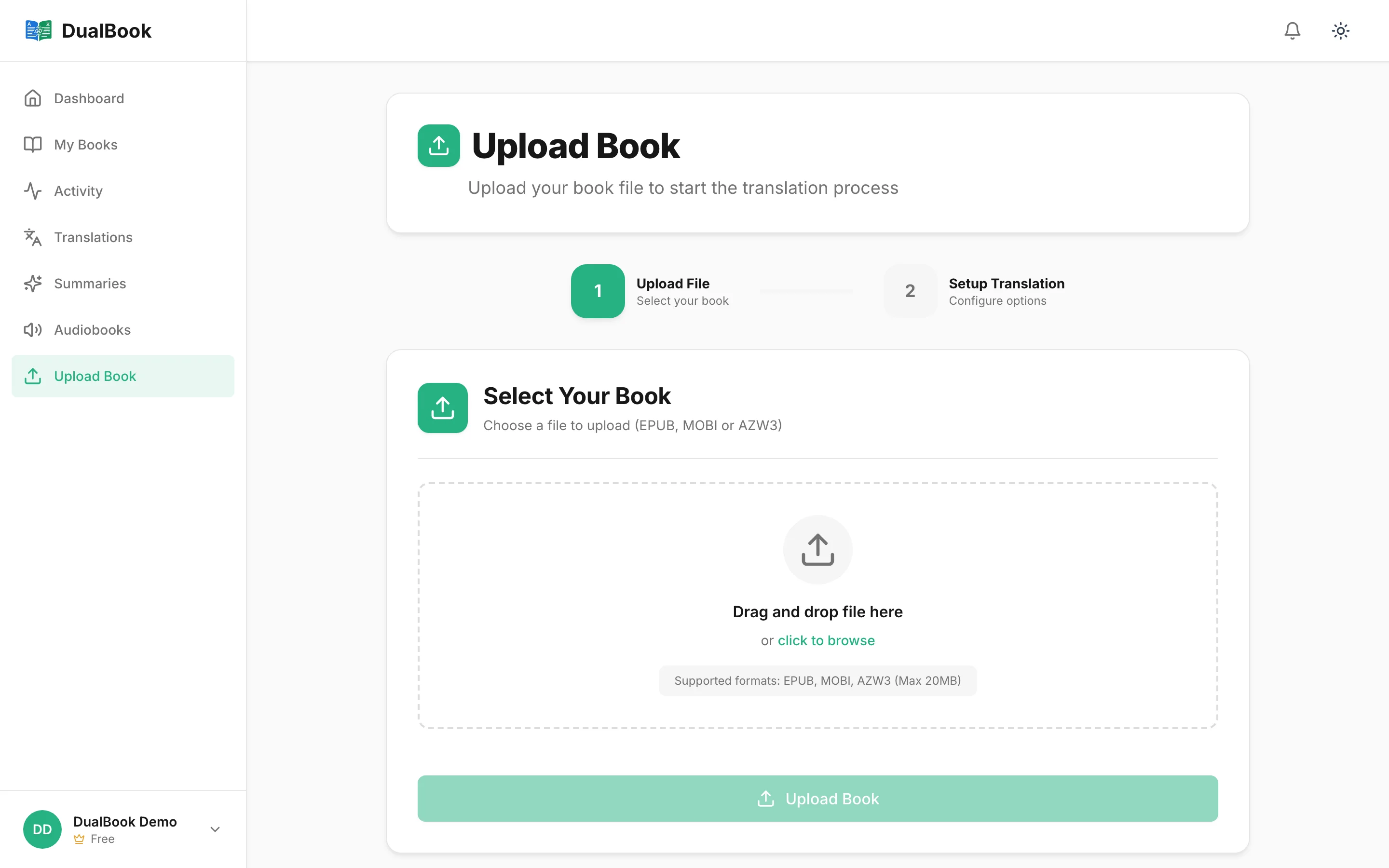
Choose the PDF
Its text is read and rebuilt as a book with chapters before anything is translated.
PDF book translator
For a PDF you want to read — a novel, a textbook, a long report — DualBook translates the whole file with AI into English or any of 30 languages, and hands it back as an ebook: one EPUB with the translation alone, and one with every paragraph beside its original.
The guide
Most PDF translators are built for a contract, a letter or a form: a few pages whose layout has to survive. A book is the opposite case. The layout hardly matters, but four hundred pages have to read as one text, with the same name spelled the same way in chapter 2 and chapter 20. This page explains what makes that hard with a PDF, what DualBook does about it, and how to do it step by step.
A PDF does not know what a paragraph is. It stores where each line sits on a page, in a given font at a given size, and nothing more. Translate it page by page and the cracks show quickly:
Before anything is translated, the PDF is turned back into a book:
The book is then translated in order, in long passages rather than page by page, which keeps sentences whole and names and terms far more consistent. What you get back is an EPUB — text that reflows to fit a phone, a tablet or an e-reader — in two editions: the translation alone, and a bilingual one.
How common kinds of PDF come out, and what to do when one does not.
| Kind of PDF | Result | Tip |
|---|---|---|
| A novel or non-fiction book exported from Word, Pages or InDesign | Very good: paragraphs and chapter titles intact | Nothing to do |
| A textbook or a manual | Good: the text translates; words inside pictures and diagrams do not | Keep the original open for figures |
| A report with tables | Body text good; tables come out as plain lines | Check the numbers against the original |
| A two-column paper or magazine | Weaker: the columns can interleave | Use a single-column version if one exists |
| A scanned book (photos of pages) | Cannot be read: there is no text in it | Run OCR first, then upload the result |
| A password-protected PDF | Refused | Remove the password, then upload again |
Document translators, such as the file upload in Google Translate or DeepL, rebuild the translated text inside the original page layout. That is right for a contract you have to send back, a form or a brochure, where the page has to look the same.
For a book you are going to read, the page itself matters little. What matters is that the text reads well from beginning to end: whole sentences across page breaks, one spelling for each name, no running headers in the middle of a paragraph — and a file that is comfortable to read on a phone. That is the case DualBook is built for.
Inside the app
The real screens, in the order you meet them.
Its text is read and rebuilt as a book with chapters before anything is translated.
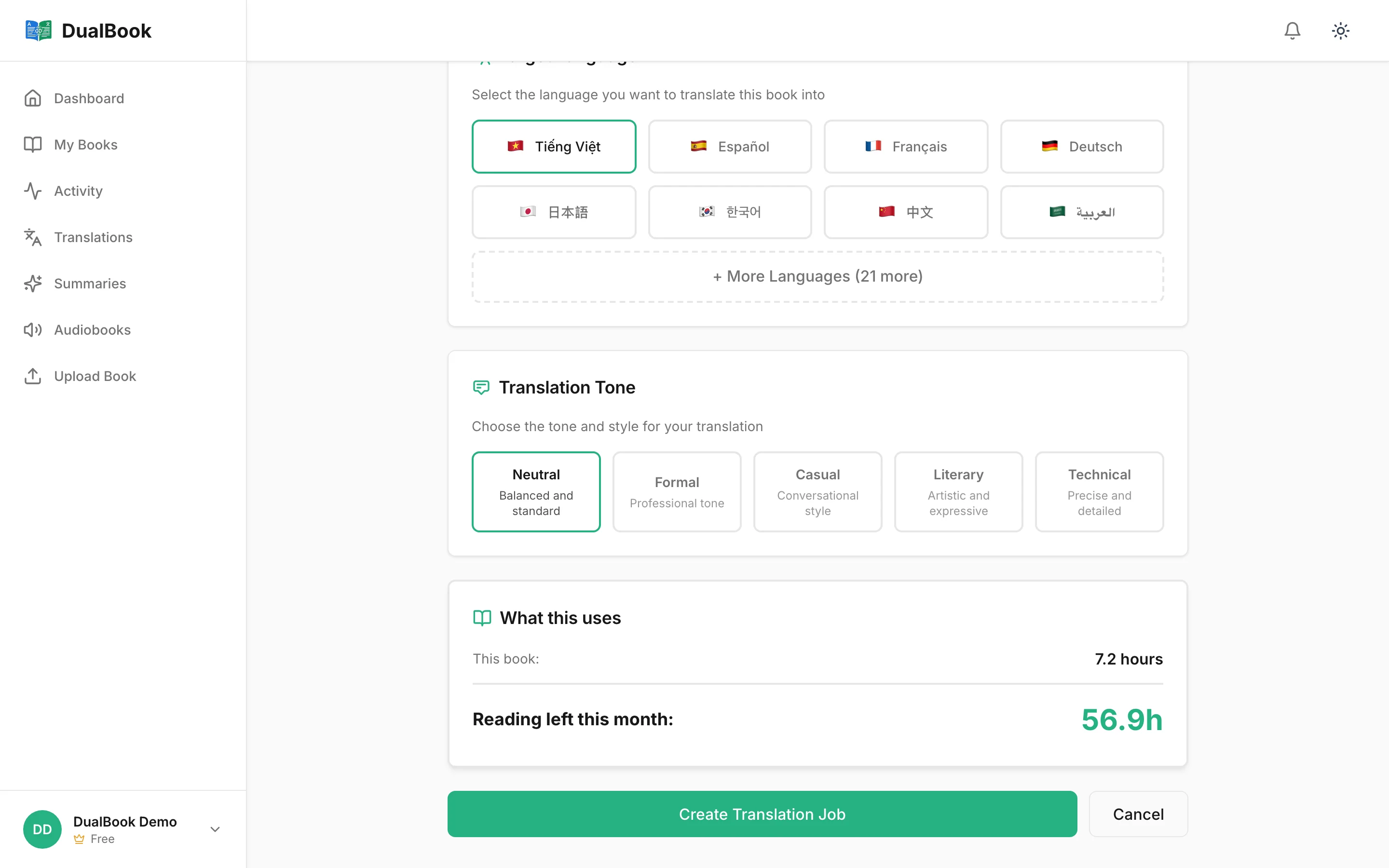
English, Vietnamese, Spanish or any of 30, in either direction.
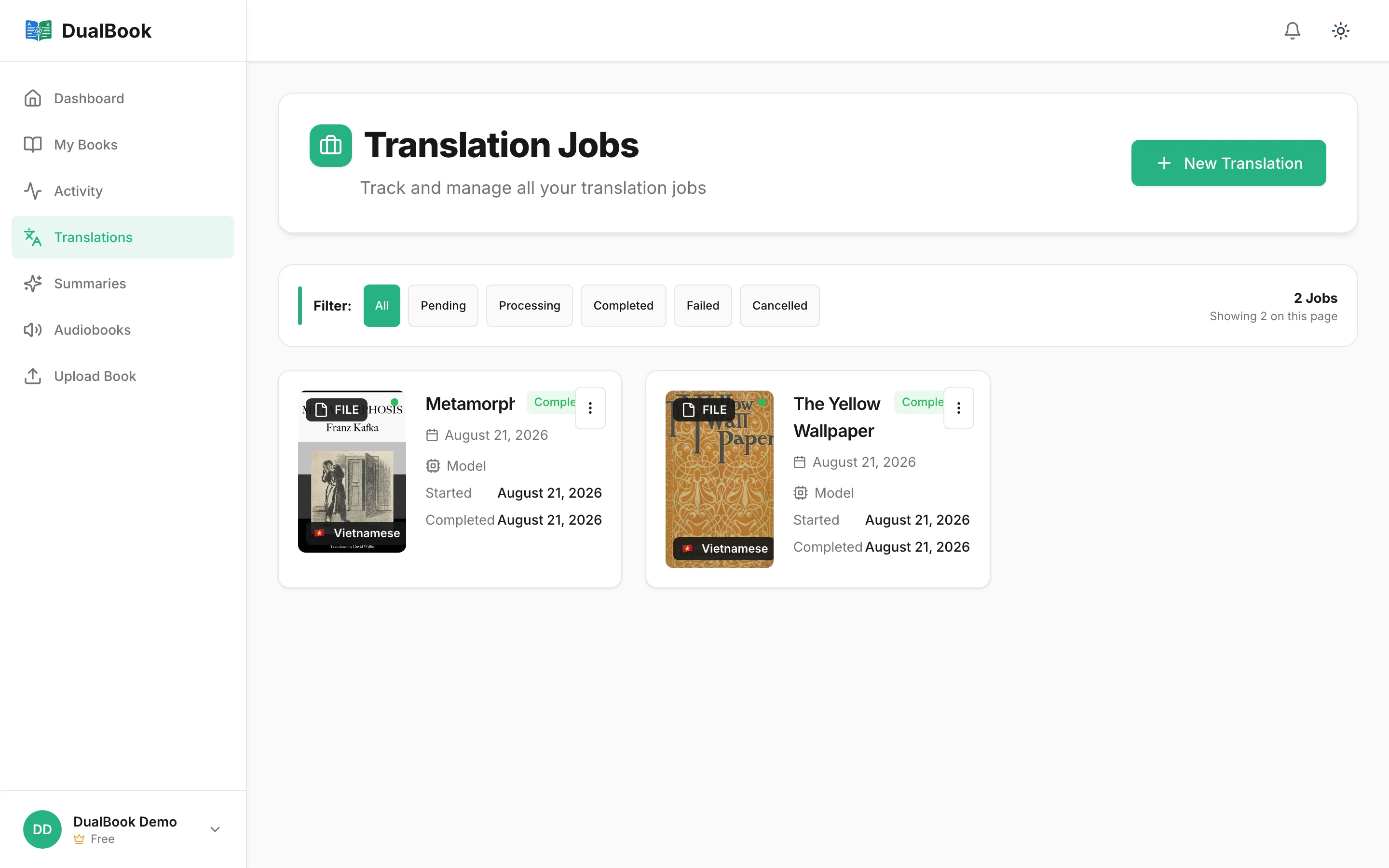
The opening arrives first; the rest follows while you read.
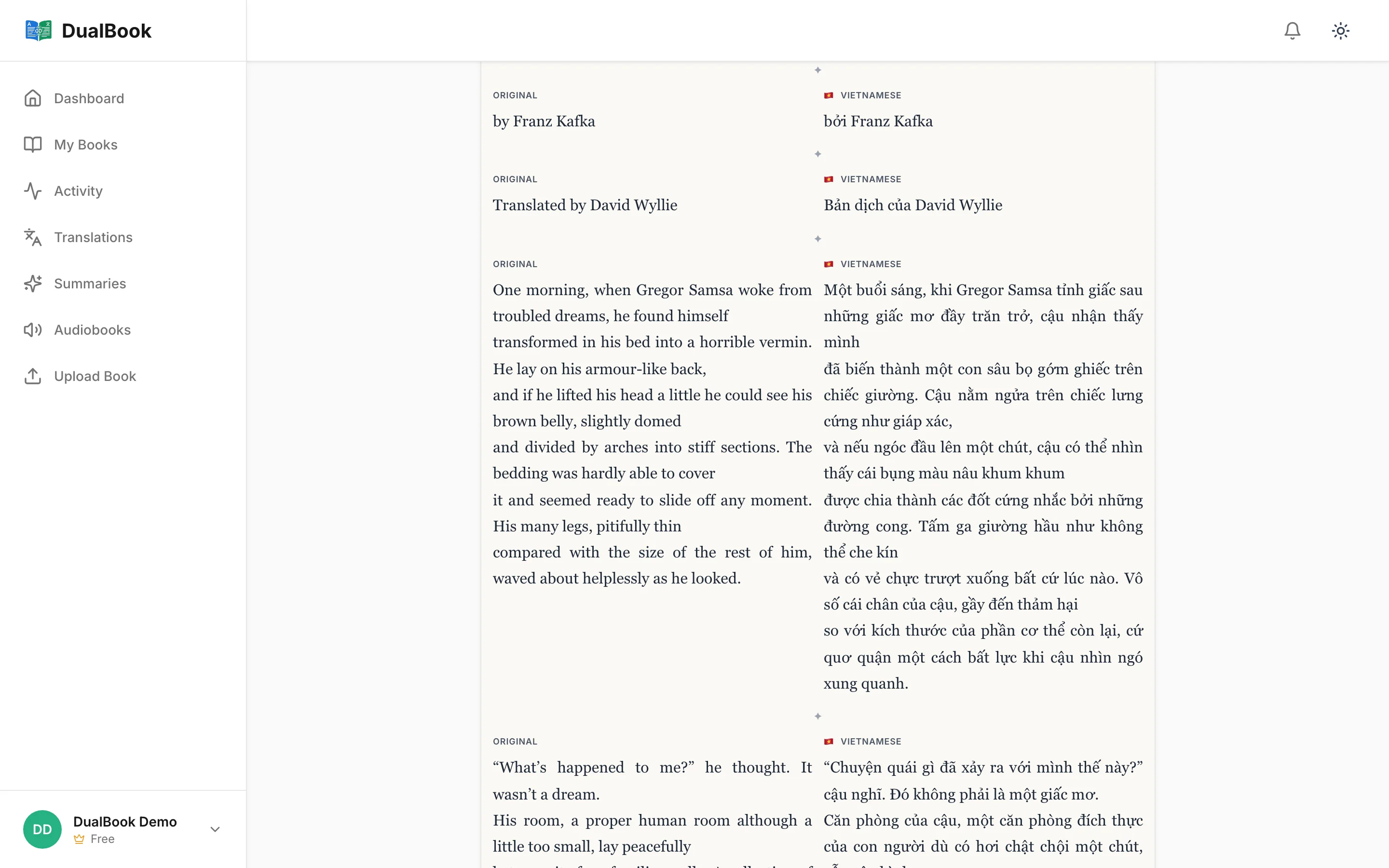
Flip to bilingual to see each paragraph with its original.
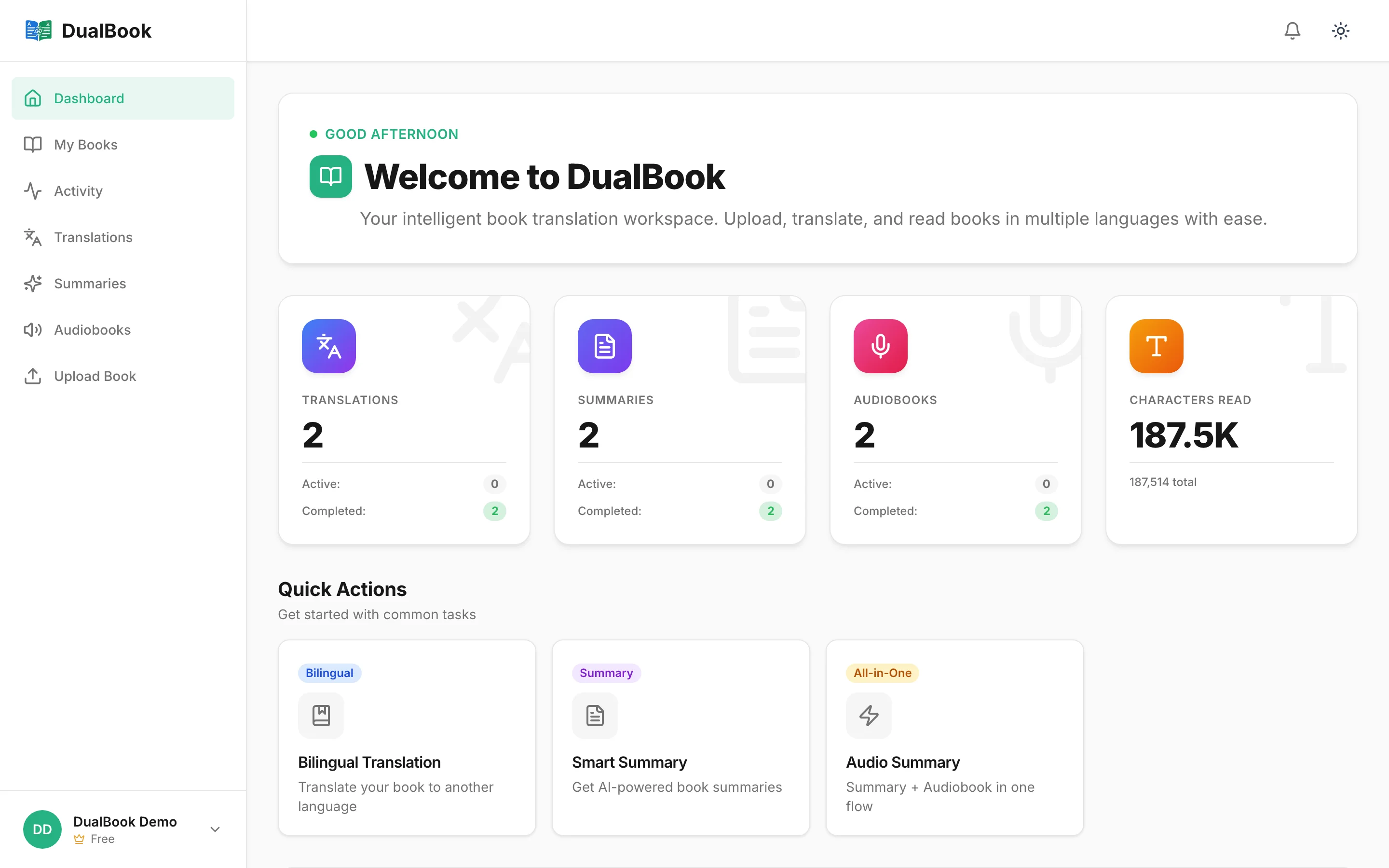
Take the translated or bilingual edition to any e-reader.
PDF translation
Languages, length, privacy and phones
Something else?
Contact usA PDF is translated as a whole book. The free part covers the first 20% of it, so a long PDF gives you a good stretch to judge before you decide.
Yes. PDFs in any of the 30 languages can be translated, and Chinese, Japanese and Korean text is joined back into sentences without stray spaces.
Yes — the direction is up to you. Translate an English PDF into Vietnamese, Spanish or Japanese the same way you would translate a PDF to English.
No, and on purpose: the result is an EPUB whose text reflows to the screen. Pictures and the page design of the PDF are not carried over; the text, the paragraphs and the chapter titles are.
Yes, in the web app in your phone's browser. PDF support in the DualBook iPhone app arrives with its next update.
Its text goes into your own private library and is translated there. Nobody else can see your books, and you can delete a book together with its translations at any time.
Try it with your own PDF
No card required. Choose the PDF, pick a language, and start reading in about a minute.