
Books from your phone
Choose an EPUB, MOBI or AZW3 straight from Files or iCloud Drive, or open an EPUB in DualBook from Mail, Safari or Files. PDF support comes with version 1.0.1.
iPhone & iPad app
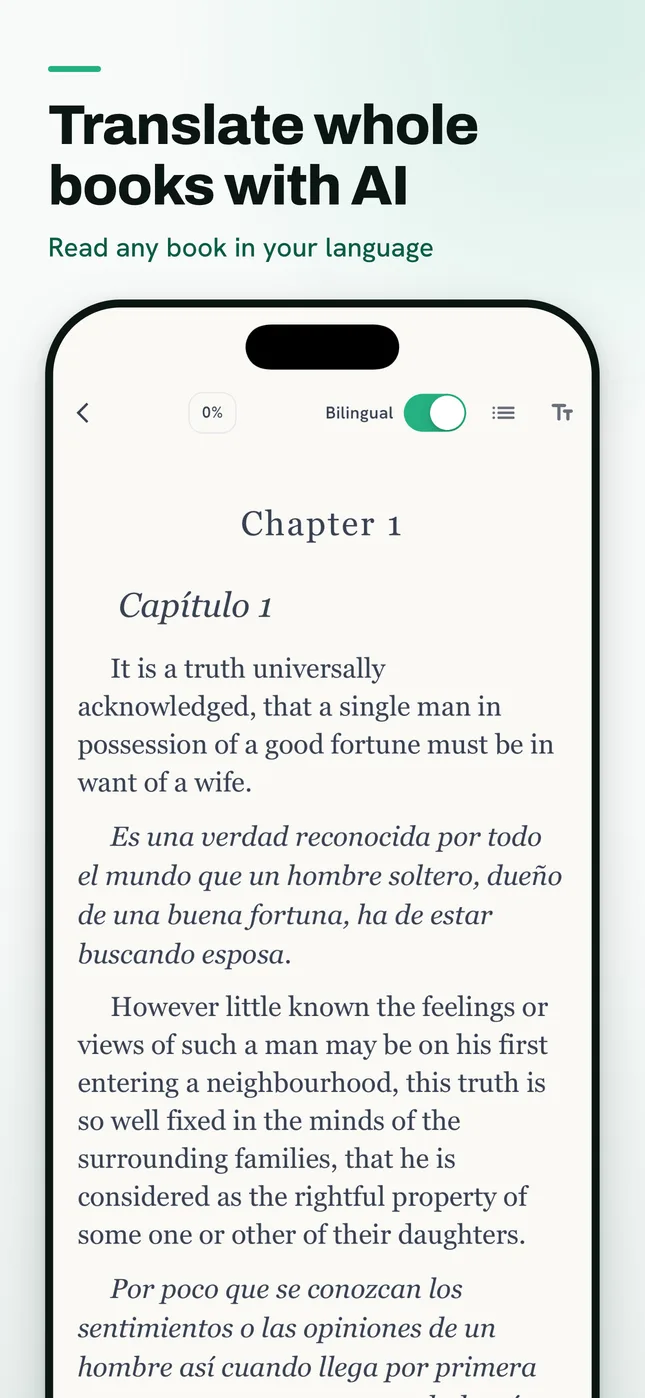
The DualBook app takes a book from your iPhone or iPad — an EPUB, MOBI or AZW3 from the Files app, iCloud Drive or another app — translates all of it with AI into one of 30 languages, and opens it in a reader where one switch shows every paragraph beside its original.
Free to download; the first 20% of every book is translated free. Android: coming soon.
What the app does
Everything is built around one job: getting a book you cannot read into a book you can, and making it comfortable to read on a phone.
Choose an EPUB, MOBI or AZW3 straight from Files or iCloud Drive, or open an EPUB in DualBook from Mail, Safari or Files. PDF support comes with version 1.0.1.
Translate into English, Vietnamese, Spanish, Japanese and 26 more. The language the book is written in is recognised for you.
The Bilingual switch in the reader turns the page you are on into original and translation, paragraph by paragraph, and back.
Select a word to look it up or a sentence to translate it on the spot; highlight passages, add notes and bookmark pages.
The first pages are readable in about a minute. A notification tells you when the whole book is finished.
Sign in with Apple, Google or email. Your books, translations and plan are the same in the app and at dualbook.net.
Screenshots
Real screens from DualBook on iPhone.
Each paragraph in the original, then in your language.
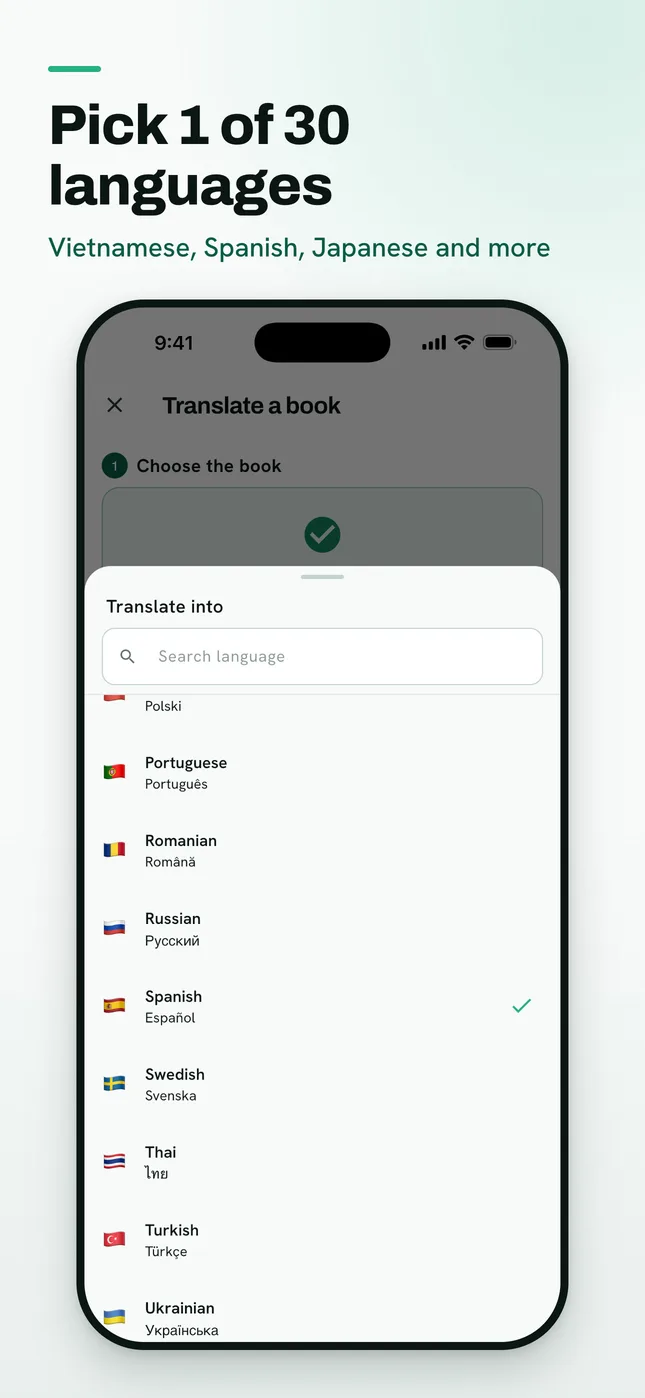
Search the list, or keep the one you used last.
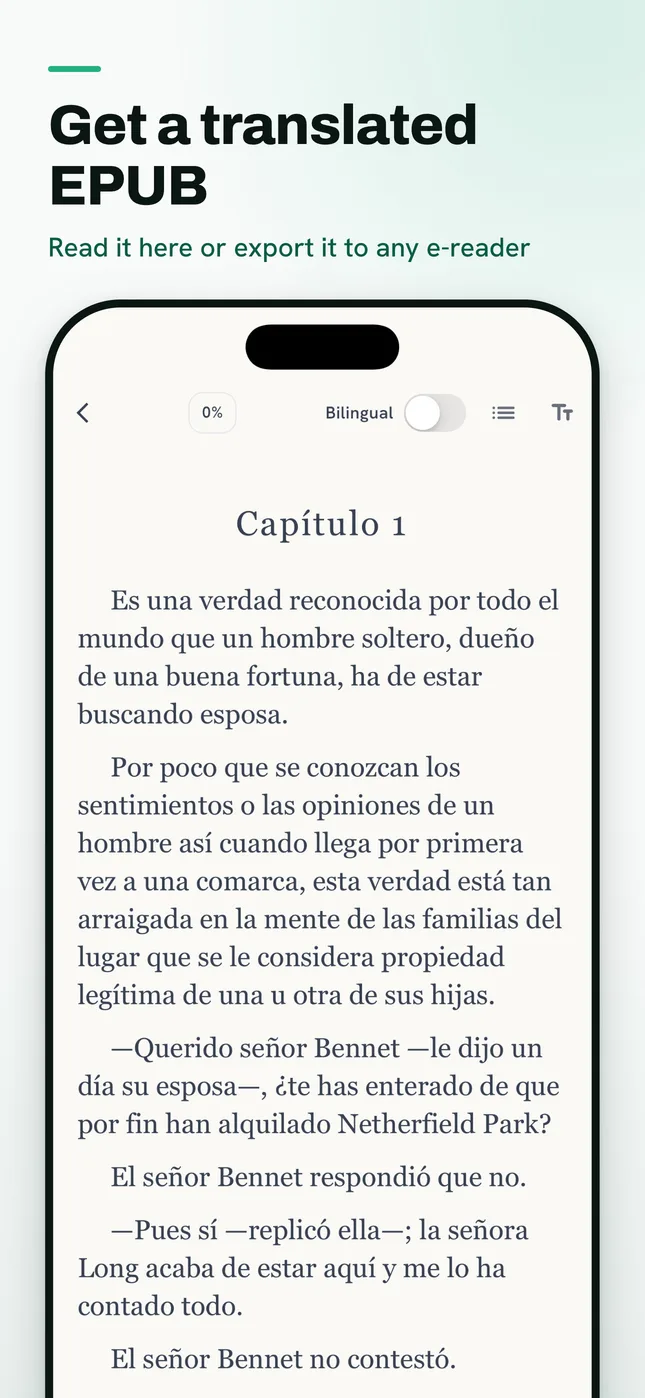
Read the translation on its own when you just want the story.
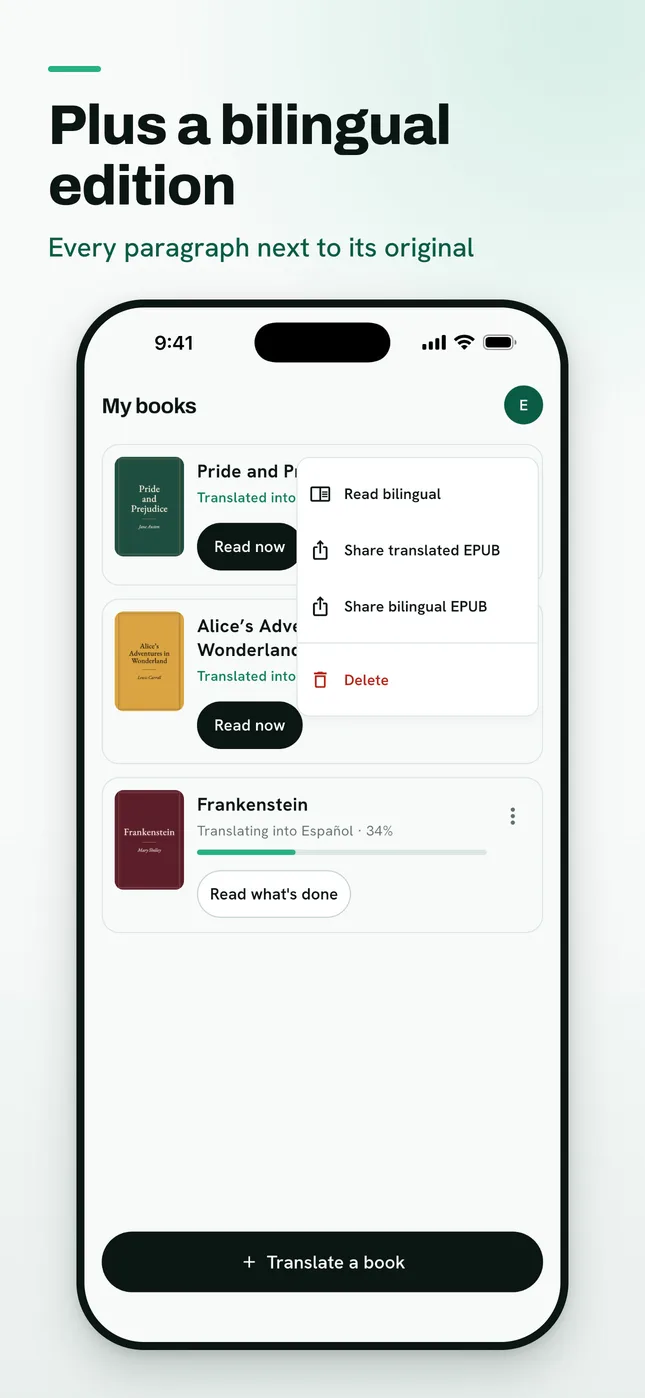
Each card shows where its translation is; share the EPUB from the menu.
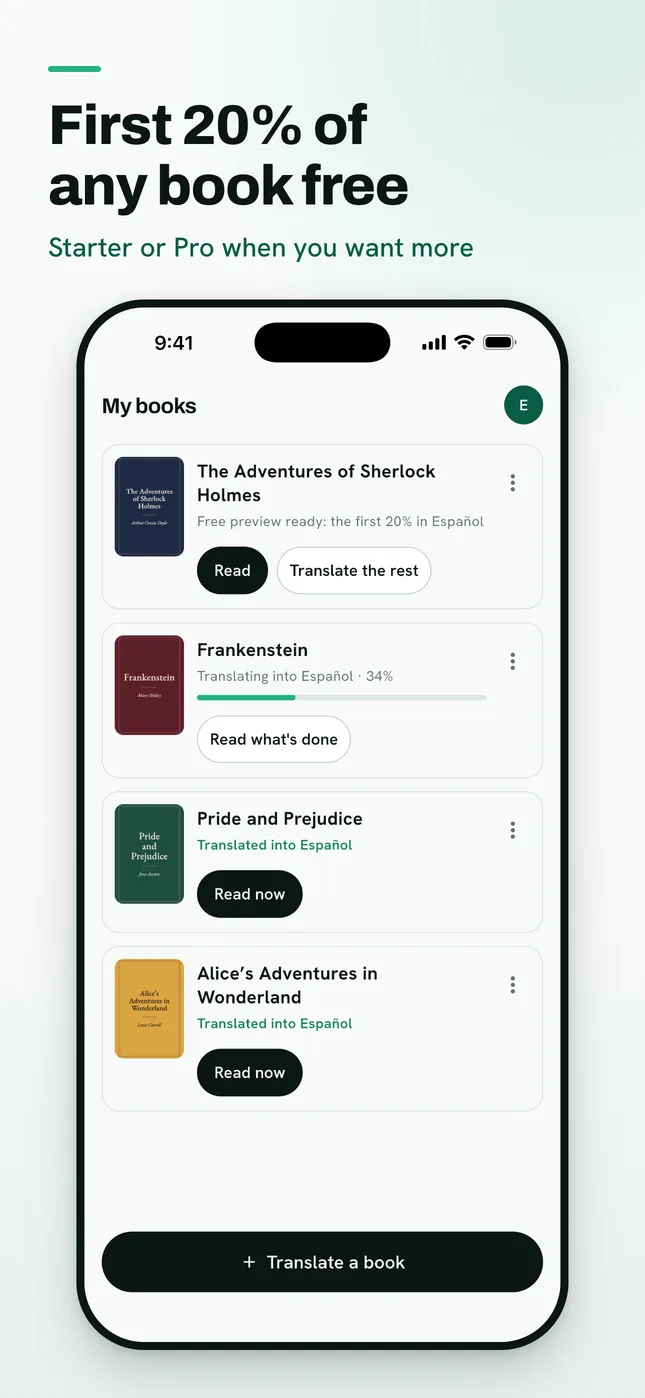
Translate the rest when the book is worth it.
Getting started
The app does one thing: you give it a book, it gives you that book in your language. Here is how that goes the first time, and how the app compares with DualBook in the browser.
Both use the same account and the same library. The differences:
| What | iPhone & iPad app | Web app (dualbook.net/app) |
|---|---|---|
| EPUB, MOBI and AZW3 | Yes | Yes |
| From version 1.0.1 | Yes, converted in the browser | |
| Word (.docx) | Convert to EPUB first | Yes, converted in the browser |
| Translated and bilingual reading | Yes, with an in-place Bilingual switch | Yes |
| Looking up a word while reading | Yes | Yes |
| Subscribing | In the app, through the App Store | On the web, by card |
| Book summaries and audiobooks | Not in the app | Yes, under More tools |
The Android app is coming soon. Until it arrives, DualBook works in Chrome on any Android phone: open dualbook.net/app, choose a book, and add the page to your home screen from Chrome’s menu to open it like an app.
The app
Price, devices, accounts and Android
Something else?
Contact usThe app is free to download, and the first 20% of every book is translated free. To translate whole books, subscribe in the app: Starter, 20 hours of book a month, or Pro, 60 hours a month. Prices are shown in your local currency on the App Store.
iPhone and iPad with iOS 16 or later.
Not yet — it is coming soon. Meanwhile the web app works in Chrome on Android, and your account and books will carry over to the Android app.
Yes. Sign in with the same Apple, Google or email account and you see the same books, translations and plan in both.
On your iPhone, open Settings, tap your name, then Subscriptions, and choose DualBook. A plan bought on the website is cancelled from Plans on the website.
Yes. Share the translated or the bilingual EPUB from the book’s menu to Apple Books, or send it to your Kindle with Amazon’s Send to Kindle — see the Kindle guide.
iPhone & iPad
Free to download. Translate the first 20% of any book free.