Parsed by chapter
The file is split along the boundaries the book itself declares, so a chapter is translated as a chapter rather than as an arbitrary block of characters.
EPUB translator
An ebook translator that treats the file as a book, not as a wall of text. Your EPUB is split along its own chapters, translated with context carried between them, and rebuilt as an EPUB you can read here or open anywhere else.
What the file goes through
A translated ebook is only useful if it is still an ebook afterwards. Chapters, order and divisions come back the way they went in.
The file is split along the boundaries the book itself declares, so a chapter is translated as a chapter rather than as an arbitrary block of characters.
Each chapter carries the surrounding chapters with it, which is what keeps a name spelled one way and a recurring term translated one way.
You get a bilingual EPUB and a translation-only EPUB from the same run. Audio, if you want it, comes out as MP3 or M4B.
Inside the app
The actual screens, in the order you meet them.
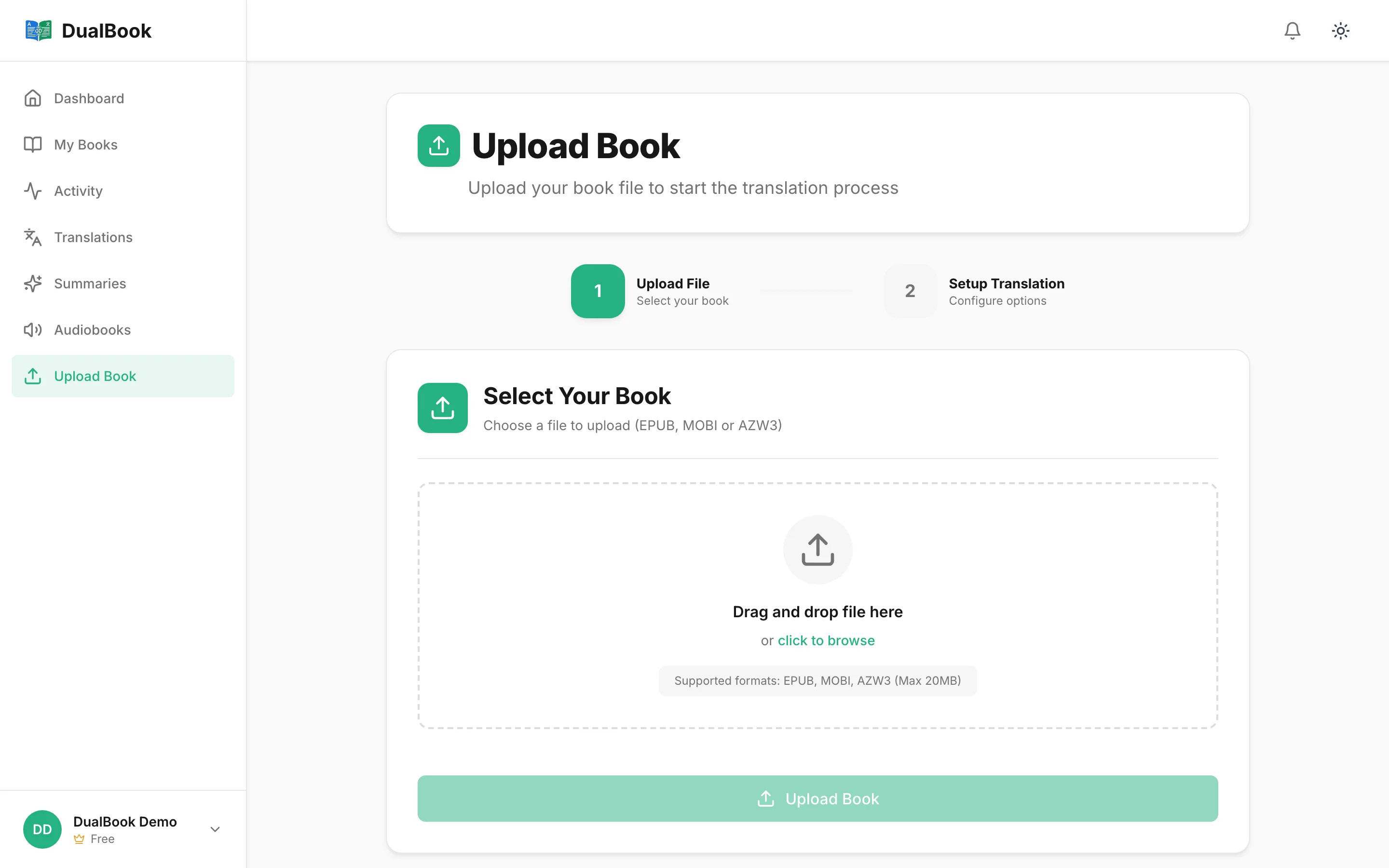
Drag the file in. It is parsed chapter by chapter before anything is translated.
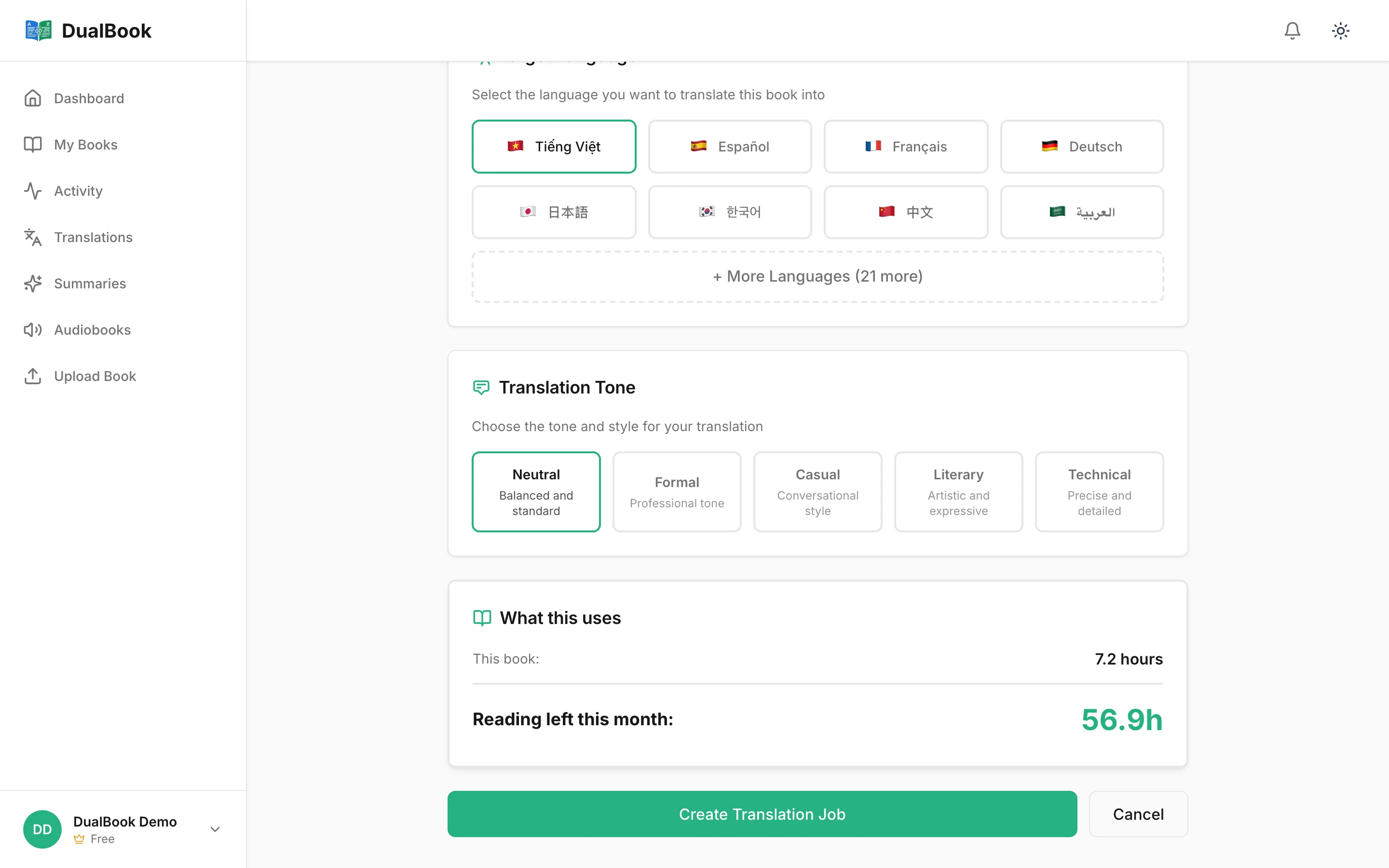
Pick the target language, whether you want the bilingual edition, and how the prose should read.
Progress is tracked per chapter. Most books are done in 10–30 minutes.
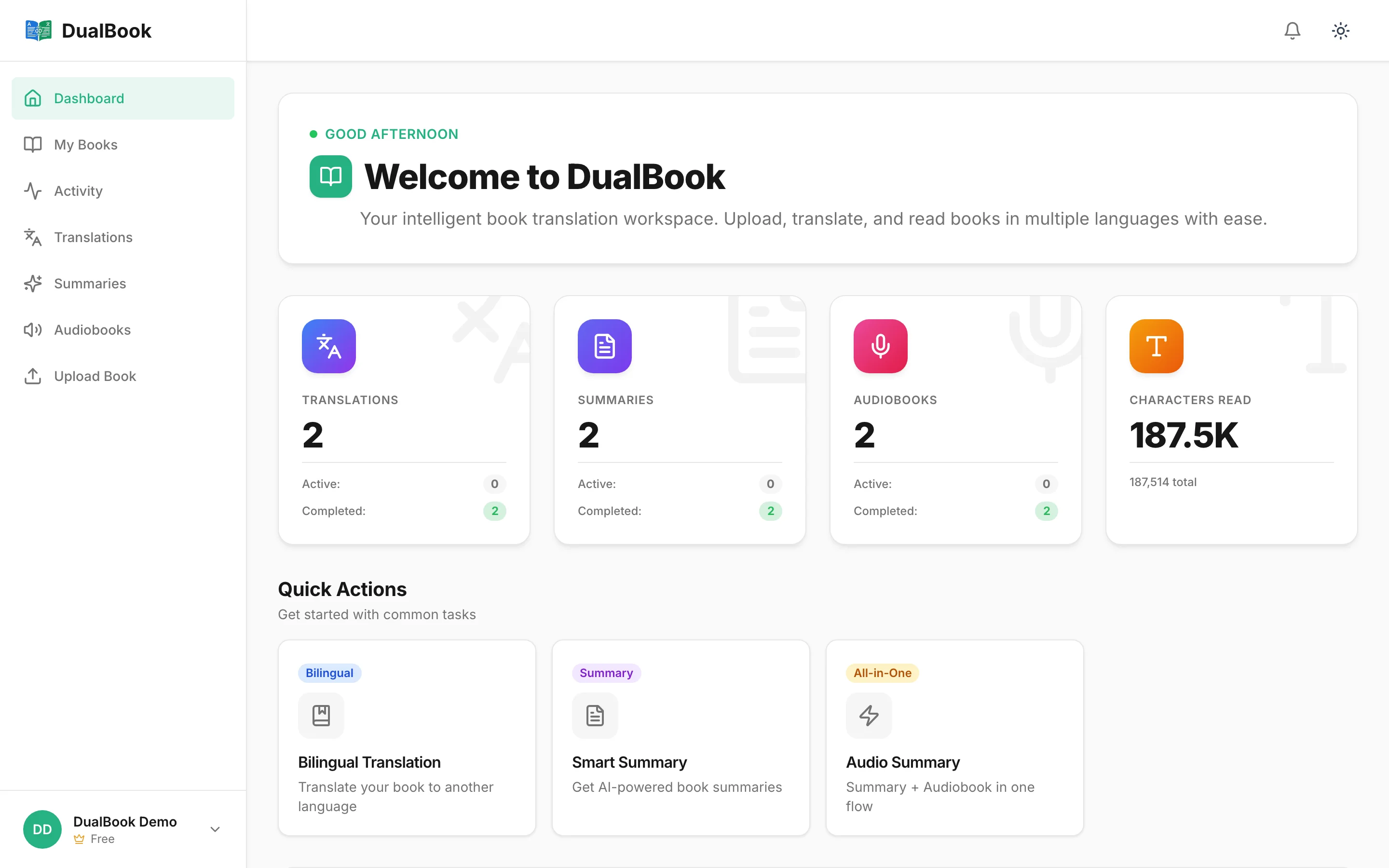
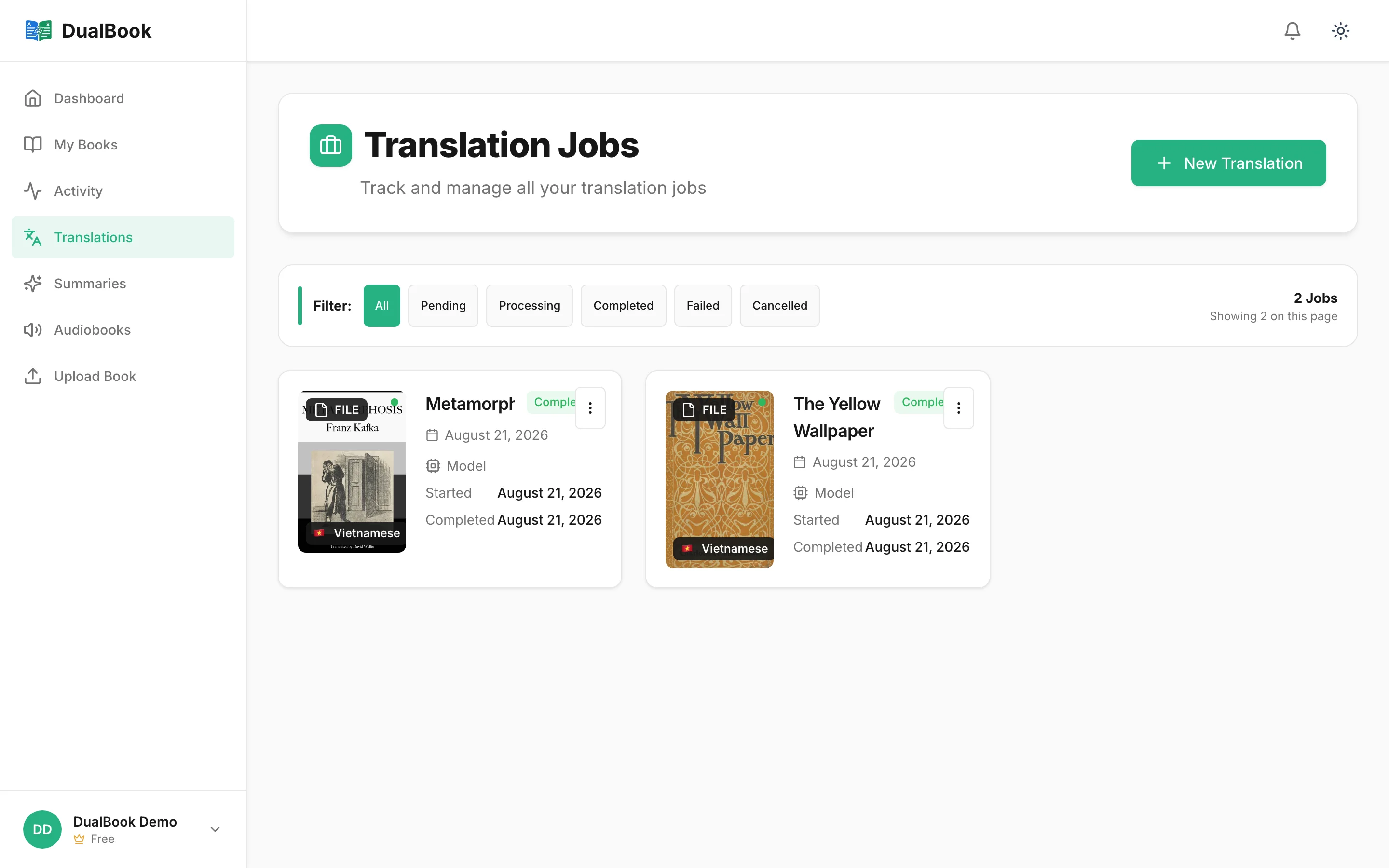
Finished translations sit in your library with their state at a glance.
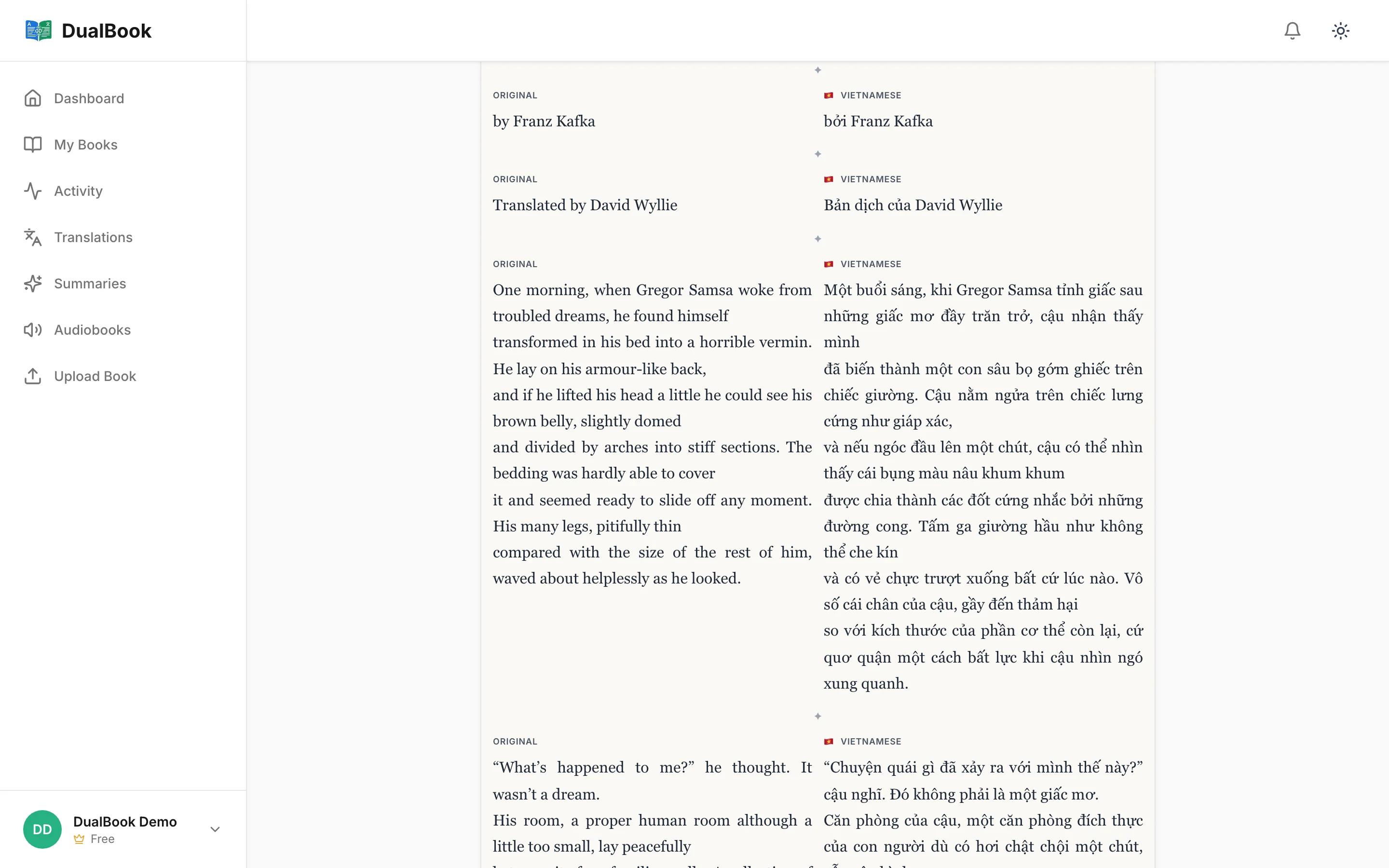
Open the finished book in the reader, or export the EPUB and read it elsewhere.
About the file
Formats, structure and what you get back
Something else?
Contact usEPUB. It is the format that carries real chapter structure, which is what makes a whole-book translation possible in the first place. We do not accept PDF or Word.
EPUB — a bilingual edition and a translation-only edition, both from the same run. If you generate audio it comes out as MP3 or M4B.
Yes. The book is split along the boundaries it declares itself and rebuilt the same way, so chapter order and divisions come back intact.
English, Vietnamese, Spanish, French, German, Chinese, Japanese and Korean — in any direction. We add pairs once we have validated quality for them.
Yes. The exported EPUB is an ordinary EPUB. The in-app reader adds dictionary lookups, highlights and a synced position, but the file stands on its own.
Try it with your own file
No card required. Drop in the file, choose a language, and read the result.