
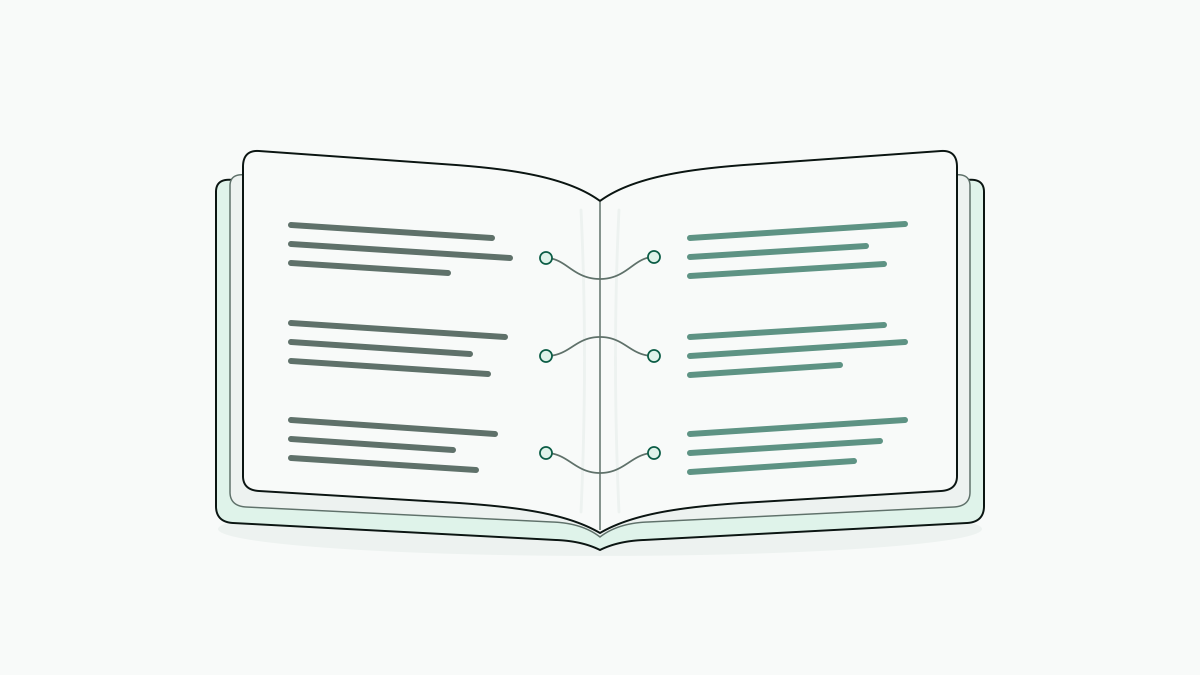
Side by side translation puts a book’s original text next to its translation so we can compare the two while reading. Doing it with our own book means preparing a readable file, translating the text, and displaying matching passages together, because opening two versions at the same page number won’t keep them aligned.
An EPUB makes a good concrete case, from file setup to an illustrative English–Spanish passage with aligned paragraphs. The bilingual reading view and the exported file need looking at separately, since a layout that works on screen isn't automatically a publishable bilingual book.
How side by side translation works for a book
In a book, side by side translation is a parallel text view, with the source on the left and its translation on the right, so we read corresponding passages together even when their lengths differ. The translated text, the reader’s screen layout, and the exported book file are separate parts of that setup.
Paragraph alignment pairs each source paragraph with its translation; it doesn't match word positions or force identical page breaks. English “She missed the train” and Spanish “Perdió el tren” belong together even though their word counts differ, and across a chapter, differences like that shift where the pages end.
That gives three layers to keep apart:
- Text: the original and translated passages, paired in reading order.
- View: side by side on a wide screen, or stacked with one passage below the other on a narrow screen.
- File: an exported EPUB, whose layout has to be checked in the reader it's meant for.
The screen’s two-column arrangement won't necessarily survive the export, which is why the file counts as a layer of its own.
Setting up your own book, one chapter first
The opening chapter of one EPUB is enough to test the setup before the rest gets translated. What we want is corresponding passages paired together; the page numbers don't have to match.
- Prepare one EPUB. DualBook works on EPUB files, so a PDF, MOBI, or Word file needs converting first, and DualBook provides free converters for those formats. Open the result, say
novel.epub, and check that chapter headings, paragraph breaks, and dialogue appear in reading order. - Select the target language: for an English novel you want to read in Spanish, that's Spanish. A small glossary of names and recurring terms helps during review, though it only keeps the spelling consistent; the meaning still needs checking.
- Translate the opening chapter and check it before committing to the full book, comparing the beginning, a dialogue exchange, and the chapter ending against the original. This is also the point to look up the service’s preview limits and any payment it requires for the full book.
- Open corresponding passages together. In the bilingual reading view, each source paragraph should sit beside its translation or be clearly paired with it. When the pairing drifts, inspect the EPUB’s paragraph breaks before translating any further. On a narrow screen, stacked reading may make the pairs easier to follow.
An English passage beside its Spanish translation
A useful bilingual book view keeps each original paragraph paired with its translation even when the lengths differ, so we can compare a passage without hunting for its counterpart.
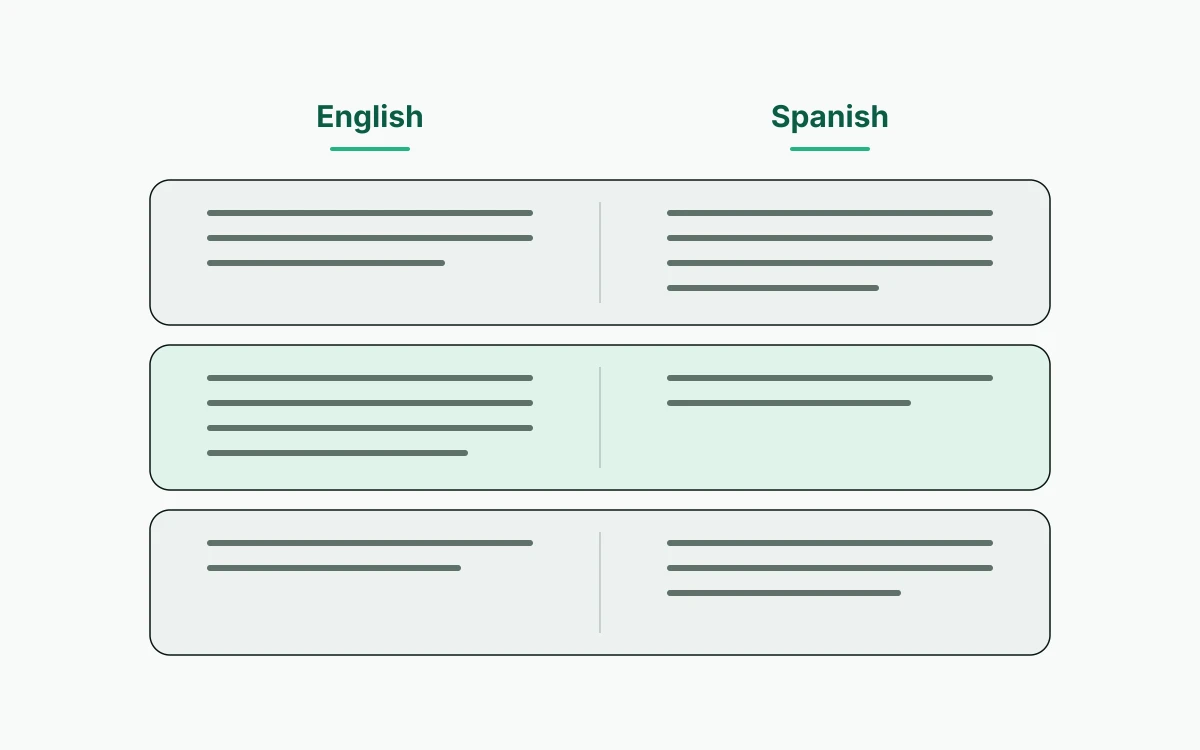
The example uses a self-authored file, garden-story.epub, with Spanish as the target language and side-by-side as the reading layout. The passage was written for illustration; it isn't a test result or product output.
Here is one aligned paragraph:
| English original | Spanish translation |
|---|---|
| The garden gate was open. | La puerta del jardín estaba abierta. |
The Spanish sentence takes more space but belongs to the same paragraph. If it wraps onto another line, the next pair of paragraphs should still begin together; the individual lines don't need to match.
DualBook translates a whole EPUB chapter by chapter, carrying names and terms forward, and provides paragraph-aligned bilingual reading in side-by-side or stacked views.
Alignment makes the comparison easier, and the meaning still has to be checked. Puerta del jardín is plausible here, but if the story specifically describes an iron gate, verja del jardín may fit better, and machine translation can miss a physical detail like that while producing a fluent sentence. Before settling on the wording, we'd read the surrounding description.
Common mistakes with alignment, meaning, and publication
PDF conversion and publication each need checks of their own.
- After converting a PDF, look through the paragraphs for lines that were split into separate paragraphs and dialogue that was merged into one block.
- Publishing is a separate step from reading. It needs translation and publication rights confirmed with the rights holder and a professional language review before anything goes out, and the exported EPUB has to be inspected on its own. On Kindle, check the actual layout, because the reader’s bilingual display may not carry over. Our guide to making a bilingual book compares three ways to prepare one for publication.
Picking a setup for the next chapter
The workflow depends on what we need: a passage comparison, an aligned chapter, or a file for publication. Paying for translation and getting a usable bilingual layout are separate decisions.
| Task | Best-fitting tool category | What to check |
|---|---|---|
| Compare a short passage | General translation engines and chatbots, free or paid | Enough surrounding text to judge meaning |
| Read translated web text | Browser extensions | Whether corresponding passages remain easy to find |
| Prepare a book file | Desktop converters or free conversion tools | Chapter breaks and paragraph boundaries after conversion |
| Read a complete translated book | Whole-book translators | Chapter continuity, glossary handling, and paragraph alignment |
Free file preparation covers the file, not a full-book translation. The free preview is enough to check the reading layout and translation quality, and before translating the rest, check the service’s current payment requirements for a full book.
Some books are better compared in units other than the paragraph:
- Bible: choose editions with matching verse references and align by verse rather than by page or paragraph, checking how each edition handles omitted or combined verses.
- Shakespeare: for Macbeth, Hamlet, or Romeo and Juliet, find out whether the companion text is a modern-English edition or a translation into another language, since the two serve different reading goals. Act, scene, and line references help keep the corresponding passages together.
Whatever the book, start with one chapter and check both the paired reading view and an exported sample before committing to the rest.