
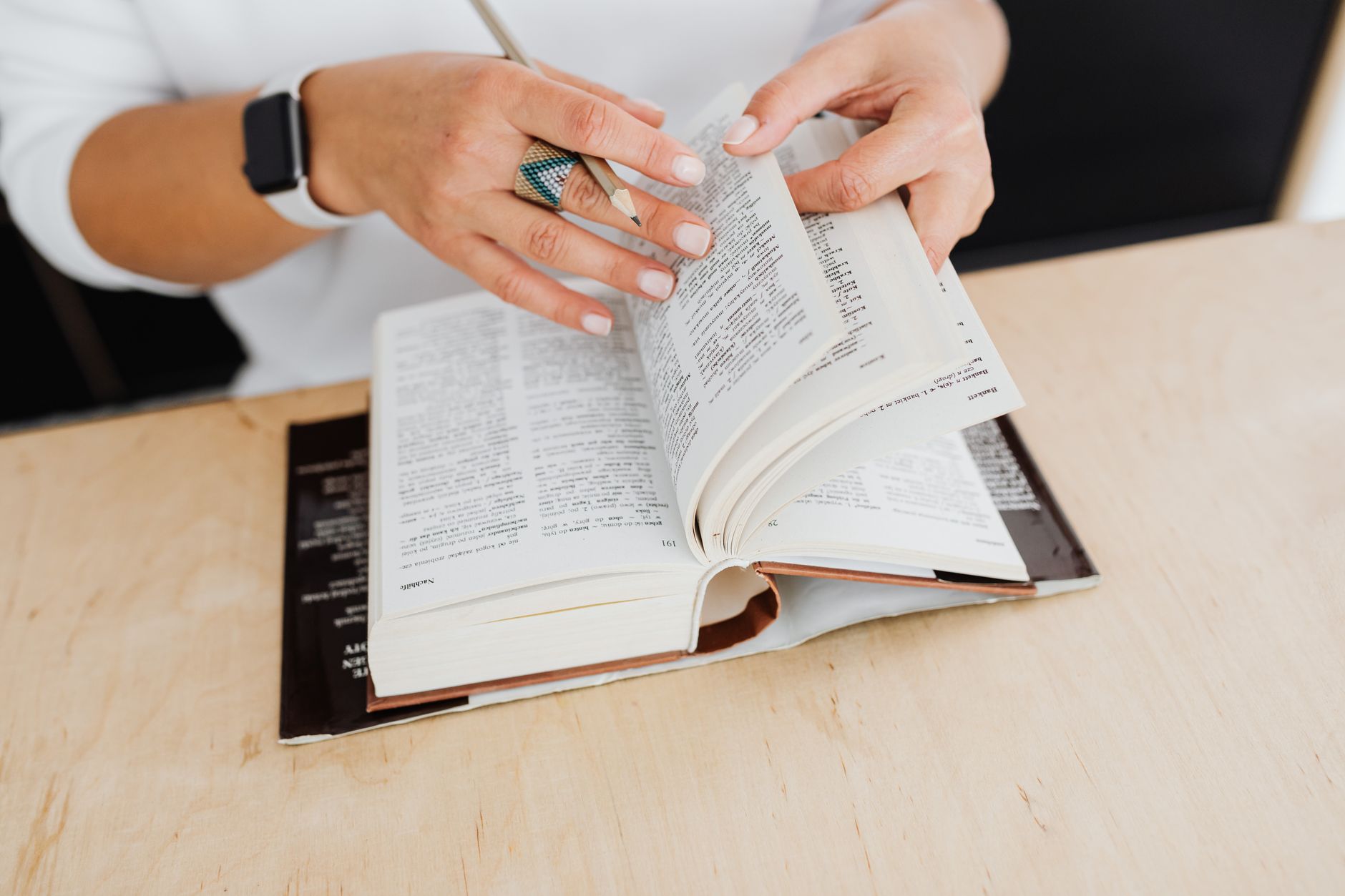
Somewhere around page four of your first real book in a new language, the same thing happens to everyone. The sentences stop being sentences and become fields of unknown words with a few familiar ones scattered through them. You look up three words, lose the thread, look up two more, and then quietly close the book.
The problem is almost never the book. It is that you had no way to get unstuck without stopping. This guide covers the four kinds of translation support you can actually put next to a book, when each one helps, and the specific way each of them can quietly stop you learning anything.
The rule that decides everything
Reading builds a language when you understand most of what you read. That is the finding behind extensive reading as a method, and it is why graded readers exist at all. The usual working figure teachers use is that you should know somewhere around 95 to 98 percent of the words on a page to read it comfortably and pick up the rest from context.
Put plainly: at 98 percent you meet an unknown word every two or three lines and the story carries you past it. At 90 percent it is one word in ten, roughly two or three per sentence, and there is no context left to guess from — every unknown word is surrounded by other unknown words.
Translation support does not change that arithmetic. What it changes is the cost of each unknown word. A word you can resolve in half a second without leaving the page costs you almost nothing; the same word in a paper dictionary costs you thirty seconds and your place in the sentence. That is the entire game: keep the interruptions cheap enough that you can afford the ones you need.
Method 1: tap-to-translate on the sentence
Most ereaders let you select a phrase or sentence and get a translation of it. On Kindle it is the Translation option in the selection menu; Apple Books and Google Play Books have their own versions; on the web, a browser translation extension does the same job.
Use it when a single sentence has defeated you — usually a long one with a structure you have not met before, where no amount of word-by-word lookup helps because the problem is the grammar, not the vocabulary.
The trap: it is too easy. Selecting a sentence is less effort than parsing it, so after a few chapters you will find you are translating sentences you could have read. The fix is a rule you set in advance: read the sentence twice first, and only then translate. If you were right, you have confirmed something; if you were wrong, you have learned exactly where you went wrong, which is worth much more than the translation itself.
Method 2: a pop-up dictionary on the word
Long-press a word and get a definition without leaving the page. Kindle's built-in dictionaries do this, and Kindle also has Word Wise, which prints short hints above harder words. On the web, extensions like Language Reactor or Readlang do the same for browser reading, and a reader built for this — DualBook's bilingual reader among them — puts the definition, an IPA pronunciation with audio, and an example sentence in the same tap.
Use it when you are close to the right level — around that 95 percent line — and just need to close small gaps quickly.
Prefer a monolingual dictionary if you can. A definition in the language you are learning is more reading practice, and it teaches you the shape of the word's meaning rather than a single translation that may only fit one context. Switch to the bilingual one when the monolingual definition itself needs a definition.
The trap: the illusion of learning. You look a word up, understand the sentence, and feel like you have acquired it — then meet it again forty pages later with no idea what it means. Recognition in context is not recall. If a word matters, it needs to leave the book: a highlight you review, a note, a flashcard. Ten words a chapter that you actually keep beats a hundred you looked at once.
Method 3: translate the whole book
Machine-translate an entire book and read the result. Fast, free with a browser extension, and — for language learning — mostly a dead end.
If you read the translation, you are reading a translation. You will finish the book, know the story, and have practised nothing. There is no version of this where the target language goes in.
Where it does earn its place is when the book is not the point: a technical manual, a piece of research, a document you need the contents of today. Then translate it and get on with your life. Just do not confuse it with study.
There is one legitimate learning use: translating a book you have already read in your own language, so you can then read the original knowing exactly what happens. Familiarity does a lot of the work that comprehension normally has to do.
Method 4: parallel text
Both languages in one book — the original paragraph, then the translation, all the way through. This is the oldest method on the list; Loeb Classical Library editions have printed Greek and English on facing pages since 1911.
Why it beats the others for a full book: the translation is already there, so an unknown passage costs you a glance rather than a lookup. No menus, no network, no losing your place. And because it is a full translation rather than a dictionary entry, it handles idiom and structure — the two things word lookup cannot help with at all.
The trap is the obvious one, and it is real: your eye will drift to the easy column. Two rules keep it honest. Read the original paragraph first, every time, and let yourself be confused for a moment before you look. And cover the translation with a finger or a card so that looking is a decision rather than a reflex.
Two shapes, and why the choice matters
Parallel text comes in two layouts and they are not interchangeable. Side by side — two columns, original left, translation right — is for checking a sentence against its source, and it needs a wide screen; on a phone the columns become unreadably narrow. Stacked — each paragraph followed directly by its translation — is the one for actually finishing a book, and the only one that works on a phone.
In a printed edition or a static EPUB you get whichever the maker chose. A reader that keeps both lets you switch mid-chapter: columns while you are working through a hard passage, stacked once the chapter opens up. That is what our bilingual reader does — along with highlights in four colours bound to the passage rather than to a page number, and a reading position that lives with your account, so you can stop on a laptop and carry on from a phone at the same paragraph. The first 20 percent of any book is free with no card; past that it is a paid plan, which we would rather state here than have you find out at the paywall.
Or build the file yourself
You can also buy parallel-text editions of classics, or make one from a book you choose. How to make a bilingual book covers the three routes — an open-source command-line tool, a manual Calibre workflow, and a hosted service — including the rights question, which matters more here than anywhere else on this page.
Four methods, side by side
| Best at | Costs you | Fails when | |
|---|---|---|---|
| Tap a sentence | Untangling grammar | A pause, a menu | It becomes a reflex |
| Pop-up dictionary | Single unknown words | A tap | Words never leave the book |
| Whole-book translation | Getting information fast | The practice itself | You wanted to learn |
| Parallel text | Reading a whole book at a stretch | Setting it up once | You read the easy side first |
Choosing a book you can finish
All four methods are downstream of one decision. Support makes a slightly-too-hard book readable; it will not make a much-too-hard book readable, and that is the mistake that ends most attempts.
Use the page test. Open the book at a page in the middle — not the first, which authors write more carefully than the rest. Read it and count the words you do not know:
- Zero to two — comfortable. Good for reading volume, though you will pick up little new vocabulary.
- Three to six — the right level. Hard enough to teach you something, easy enough to enjoy.
- Seven to twelve — hard work, but possible with parallel text or a pop-up dictionary. Expect a slower pace and pick something short.
- More than twelve — put it back. No tool fixes this. Come back to it in six months and it will be a different book.
Two more things help more than they should. Pick a book you have already read in your own language — you will be surprised how much of the work that does. And pick something you actually want to read: a thriller you would read anyway beats a classic you feel you ought to, because the only real failure mode is stopping.
Getting the file into a format your tools can use
Every method above needs the text to be selectable. EPUB is the format that gives you that everywhere: text reflows to your screen, dictionaries and translation extensions can select individual words, and every reader app supports it.
PDFs are where this breaks. A PDF stores where each character sits on a fixed page, not which characters form a word, so selection is unreliable and lookup often grabs the wrong thing — and a scanned PDF has no text at all, only pictures of it.
If your book is in the wrong format, convert it first:
- PDF to EPUB — for text PDFs. If it is a scan, no converter will help; that needs OCR.
- MOBI to EPUB and AZW3 to EPUB — for old, DRM-free Kindle files.
- TXT to EPUB — for the plain-text editions on Project Gutenberg, which is also where to find free books in most major languages.
- EPUB reader — if you just want to open a file and start reading in the browser, in one language.
- Bilingual reader — if you want method 4, with methods 1 and 2 built into the same page.
The converters run in your browser rather than on a server, so the file stays on your machine. The full set is on the tools page.
FAQs
Should I look up every word I do not know?
No. Look up a word when you cannot follow the sentence without it, or when it keeps appearing and you have started to resent it. Everything else, let go — a word you meet often enough will eventually explain itself, and one you meet once was not worth the interruption.
Is machine translation accurate enough to learn from?
For working out what a sentence means, yes. For style, tone, humour and wordplay, no — those are exactly what machine translation flattens. Use it as a safety net for comprehension, not as evidence about how the original is written.
Side by side or stacked — which should I pick?
Stacked for reading a book through, and it is the only one that works on a phone. Side by side for close work on a hard passage, on a wide screen. If your reader lets you switch, switch: they are answers to different questions rather than two skins on the same thing.
Can I read on Kindle with a pop-up dictionary in any language?
Kindle supports dictionaries in many languages, but you have to download the one you want, and coverage is much better for major languages than for smaller ones. Check before you commit to a long book; a reader with a dictionary you cannot get is worse than a browser with a good extension.
How long before this gets easier?
Sooner than you expect, and mostly within one book. The first thirty pages of any novel are the hardest part of it — you are learning that author's vocabulary, their sentence habits, the names. Readers who quit almost always quit inside those thirty pages and conclude the language is too hard, when what was hard was the beginning.
Should I read aloud?
It helps pronunciation and slows you down enough to notice structure, but it is much slower, and volume is what builds reading ability. A reasonable compromise: read silently, and read aloud the sentences you had to work for.
Keep reading
- How to make a bilingual book — building the parallel text from method 4.
- Extensive vs intensive reading — the two modes, and when to use each.
- How to read English books without translating in your head — the habit to break once you no longer need the net.
- Graded readers vs authentic books — more on picking a book at the right level.